
Work Text:
Okay so. We're doing this in order of how ao3 is.
Well, first, a statement.
"What makes me so confident that I can give presentation on on this?"
GIRL. I have been in the trenches since I discovered those Miraculous chats on YouTube. Not only that but I have actively written fics and am incredibly picky when it comes to both the filtering system and letting authors know when something is not tagged correctly for a fic. (/reader fics being a /OC is the bane of my existence)

⮤ THIS THING THAT I REMEMBER WATCHING THIS
Alright, let's get into the juicy stuff.
Step I: Find Your Ship
You are going to go to https://archiveofourown.org/ and NO do not click on All Fandoms. DON'T. Why? Because there's so many fandoms you wont be able to find your own. So what we're going to do is go to the search bar in the top left,
and we're going to search your ship. For this example, we're going with the ship Dean Wincheser/Castiel due to it having the most amount of fics on this website.

Step II: Refine Your Search
You'd expect AO3 to immediately sync you with the tag, that does not actually happen. So what you're going to do is click on the ship name when you search on it.
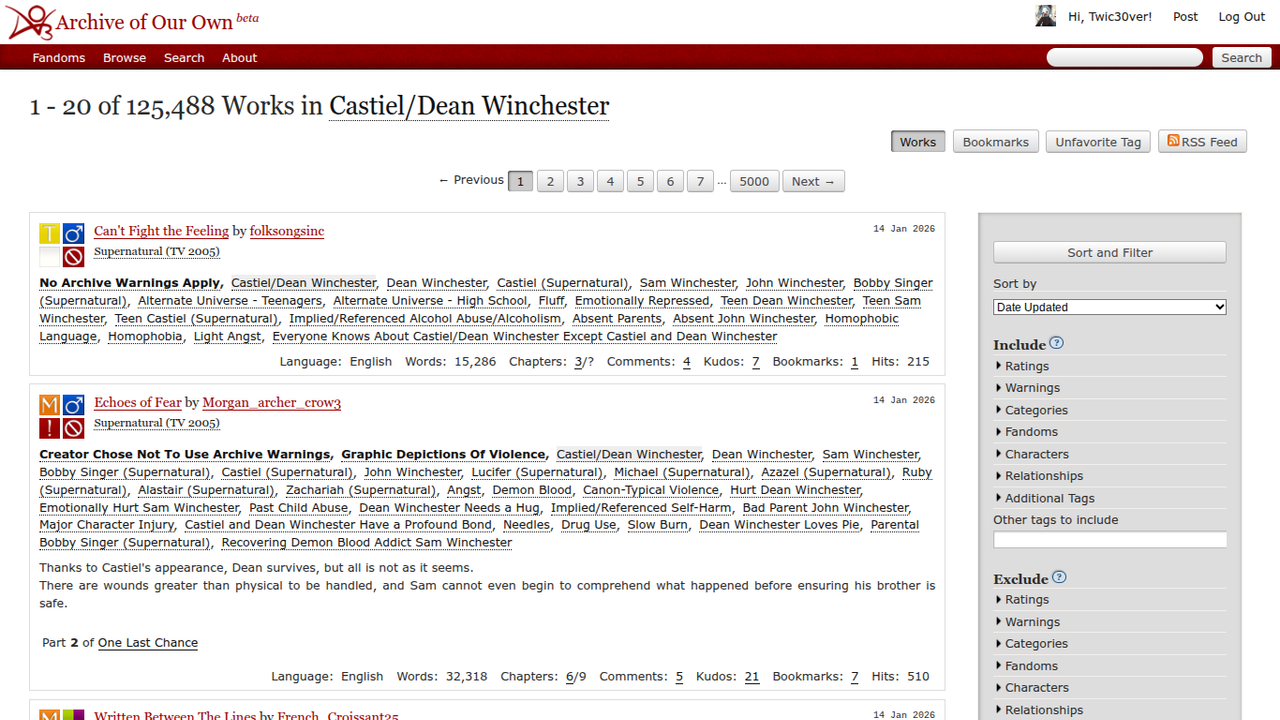
Wowzers! that's a lot of works! Too many for me, since I can't read them all. So how do we get rid of that?
Step III: Use the Filtering System
Oh boy, you see the gray sidebar? That's a need.
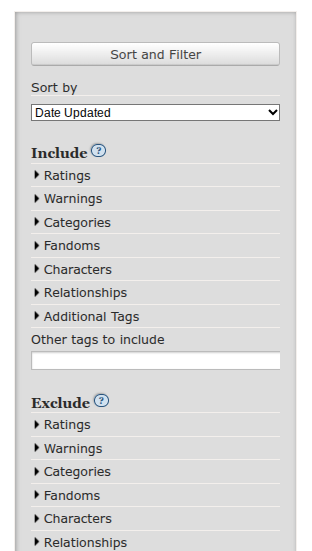
This majestic thing is going to allow you to find the stuff you actually want instead of junk you're going to never fully get into.
Now a rundown of each section:
Sort by: Allows you to find fics based on user interaction, "kudos", word count, etc.
Include: Helps you sort through fics better and find tags you want like "Angst", "Fluff", and other ships and characters.
Exclude: Used for if you don't want something in a fic like "Hurt No Comfort" or ships/characters you don't like
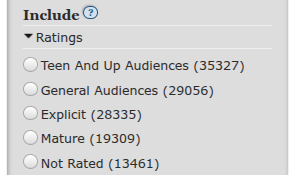
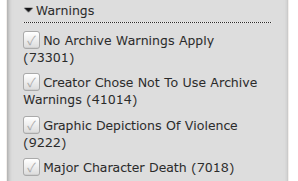
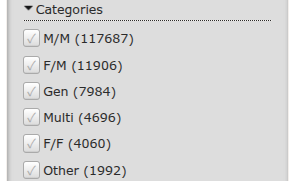
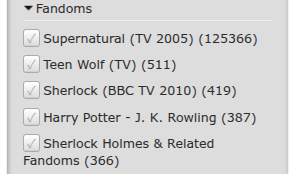
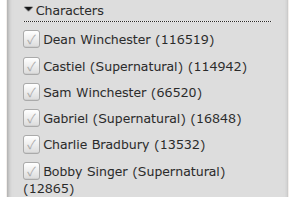
More Options: Helps with fine-tuning. Completion, word count, if its in your language, that kind of stuff.
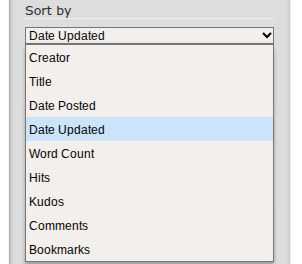
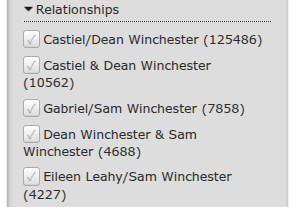
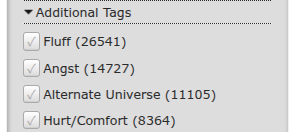
Please, for the love of God, use this. Almost every first-time user makes this mistake and this is how they end up reading some debauchery on the site.
And using this correctly can make your search looking like this:

To this:

This is the power of refining your search.
NOW. I may be an experience archiver but I am not THE expert. You can always find others who know how to do this, but I will say this: Proceed with caution.
Not all fic writers will be nice, and if you see "Author Chose Not To Include Archive Warnings", DO NOT THINK ITS GONNA BE A NICE FLUFFY FIC. It is there so they don't spoil things and make you tweak (yes it has happened to me) (yes I am traumatized).
Anyways, thank you for listening to my TedTalk :)